




Creating a workspace at home that promotes productivity and minimizes clutter can significantly impact your workday. Whether you’re working remotely, freelancing, or managing household tasks, an organized area helps improve focus and reduces stress. Here are practical tips to help you set up and maintain a productive, clutter-free home workspace.
Why a Clutter-Free Workspace Matters
A messy workspace can lead to distractions, increased stress, and difficulty finding important items. On the other hand, a tidy, well-organized environment supports concentration, creativity, and efficiency. Your workspace should be a place where you feel motivated, comfortable, and able to focus on your tasks.
Choose the Right Location
Pick a Dedicated Spot
Select a quiet, comfortable area in your home reserved solely for work. Ideally, choose a space with natural light, minimal noise, and good ventilation. Avoid high-traffic areas where interruptions are more frequent.
Ensure You Have Enough Space
Your workspace should fit everything you need comfortably—computer, notebooks, chargers, and any other tools—without feeling cramped. A spacious desk allows for better organization and comfort during long work sessions.
Declutter and Organize Your Desk
Keep Only Essentials
Remove unnecessary items from your desk to keep the surface clear. Limit yourself to essentials such as your computer, phone, notebook, and a few writing tools.
Use Organizational Tools
Invest in desk organizers like trays, pen holders, and file sorters. These help keep small items in designated spots and prevent clutter from accumulating.
Manage Cables
Tidy cables with clips or cable organizers. They can stop wires from tangling and make your workspace look cleaner.
Maximize Storage Solutions
Use Shelves and Drawers
Keep extra materials and papers in drawers or on shelves rather than on your desk. Label storage boxes or folders for easy access.
Consider Vertical Space
Use wall-mounted shelves or pegboards to free up desk space. Hanging organizers can hold supplies without taking up valuable surface area.
Create a Routine for Tidying Up
End-of-Day Cleanup
Spend a few minutes before finishing work to clear your desk, file papers, and prepare for the next day. This habit helps maintain organization consistently.
Regular Decluttering Sessions
Set aside weekly or monthly time to sort through documents, supplies, and clutter. Dispose of or recycle items you no longer need to maintain a clutter-free environment.
Personalize Your Workspace Mindfully
Add Inspiring Elements
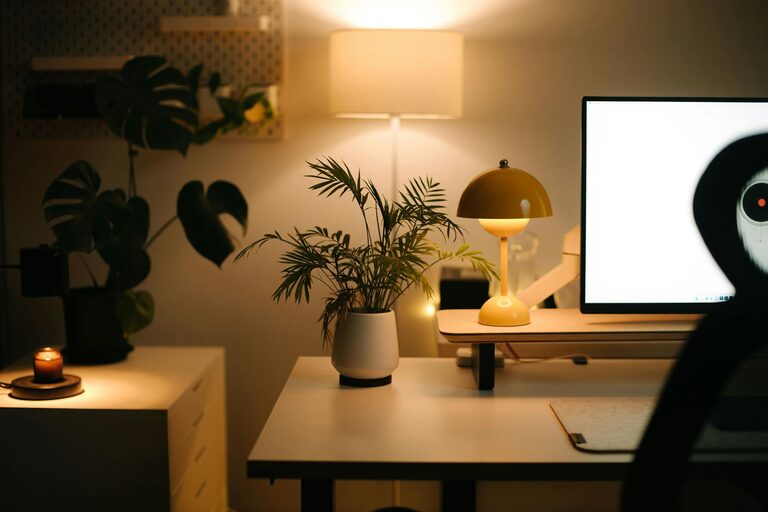
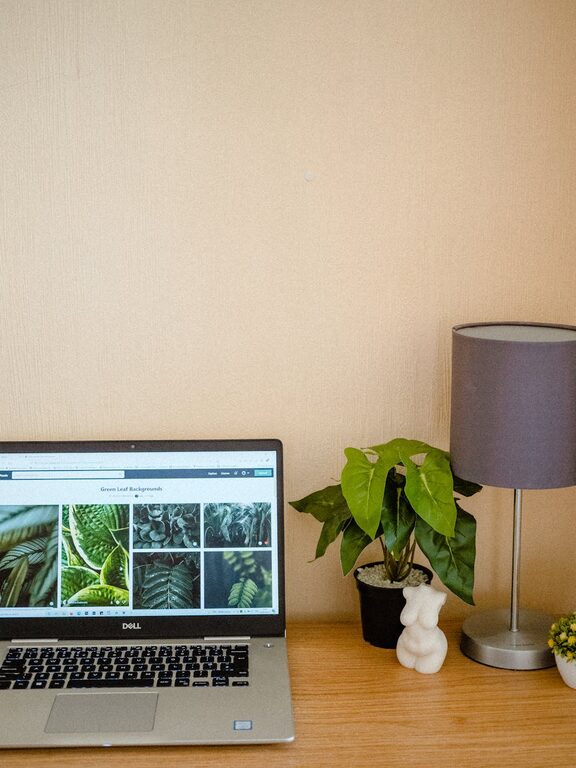
Include items that motivate or calm you—such as a small plant, artwork, or a favorite photo. Just be mindful not to overcrowd your space.
Choose Comfortable Furniture
Invest in an ergonomic chair and proper desk height to support good posture during work hours, which can improve both focus and comfort.
Manage Digital Clutter Too
Organize Your Computer Desktop
Keep digital files and folders organized, deleting or archiving what you don’t need. A clean desktop on your computer mirrors a tidy physical workspace.
Use Productivity Apps
Leverage apps for task management, note-taking, and time tracking to stay organized and efficient.
Minimize Distractions
Set Boundaries
Communicate your work hours to family or housemates to reduce interruptions.
Control Noise Levels
Use noise-canceling headphones or white noise apps if background sounds distract you.
Maintain Good Lighting
Natural Light
Position your workspace near a window if possible; natural light boosts mood and energy.
Task Lighting
Add a desk lamp with adjustable brightness to avoid eye strain, especially during evening work sessions.
—
Final Thoughts
Organizing a productive and clutter-free workspace at home doesn’t have to be complicated. By choosing the right location, keeping your desk clear, using smart storage, and building simple routines, you’ll create an environment that supports focus and efficiency. Remember, the goal is to work in a space that feels pleasant and manageable, helping you make the most of your time and efforts every day.