


Creating a relaxing home workspace is essential for maintaining productivity and comfort throughout your workday. Whether you work remotely full-time or occasionally tackle tasks at home, having a well-designed space can reduce stress, increase focus, and make your work experience more enjoyable. In this post, we’ll explore practical tips to help you transform your home workspace into a calm, productive environment.
Why a Relaxing Workspace Matters
Your environment has a significant impact on how you work. Clutter, poor lighting, and uncomfortable furniture can all distract you and reduce efficiency. On the other hand, a thoughtfully arranged space can encourage better focus, creativity, and even improve your mood. By creating a relaxing workspace, you set the stage for success during your working hours.
Choose the Right Location
The first step is selecting a spot in your home that suits your work needs and lifestyle.
– Quiet and low-traffic: Find a place away from noisy areas like the kitchen or living room, minimizing interruptions.
– Natural light: Ideally, pick a space near a window to take advantage of natural daylight, which can help reduce eye strain and boost energy.
– Good ventilation: Fresh air improves alertness and comfort, so consider a room with good airflow.
Invest in Comfortable Furniture
Comfort plays a huge role in how relaxed you feel throughout the day.
– Ergonomic chair: Choose a chair that supports your back and encourages good posture. Adjustable height and lumbar support are key features to look for.
– Desk height: Your desk should allow your arms to rest comfortably at a 90-degree angle, reducing strain on your wrists and shoulders.
– Use a footrest: If your feet don’t rest flat on the floor, a footrest can help minimize pressure on your legs.
Organize Your Space for Efficiency
A cluttered desk can make it difficult to focus and find what you need. Here are ways to keep your workspace tidy:
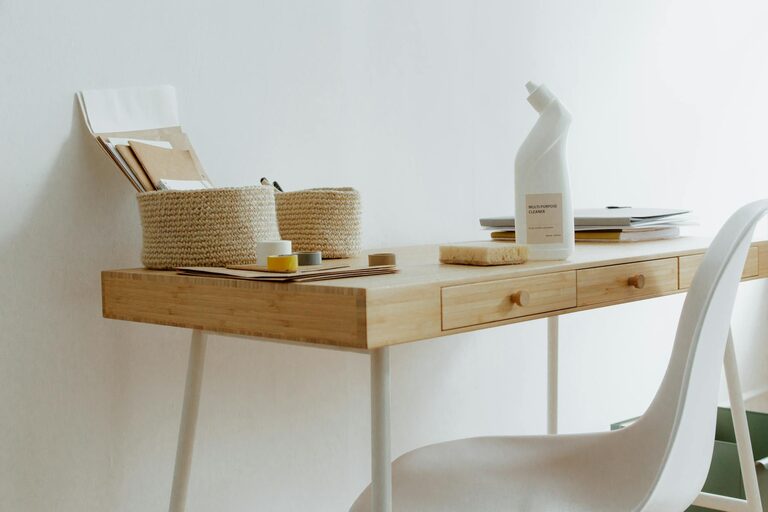
– Storage solutions: Use drawers, shelves, or boxes to store supplies out of sight but easily accessible.
– Limit desk items: Keep only essential items on your desk, such as your computer, a notebook, and a pen.
– Cable management: Use clips or cable organizers to prevent cords from tangling or cluttering your workspace.
Personalize with Calming Elements
Adding personal touches can create a sense of comfort and motivation.
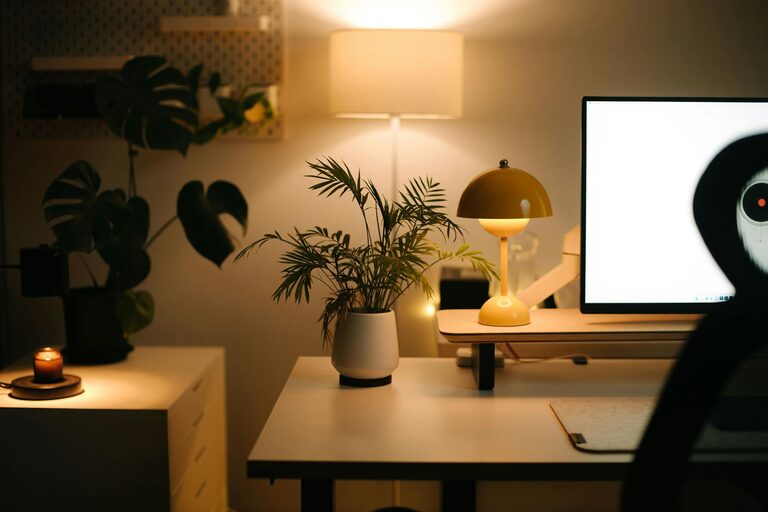
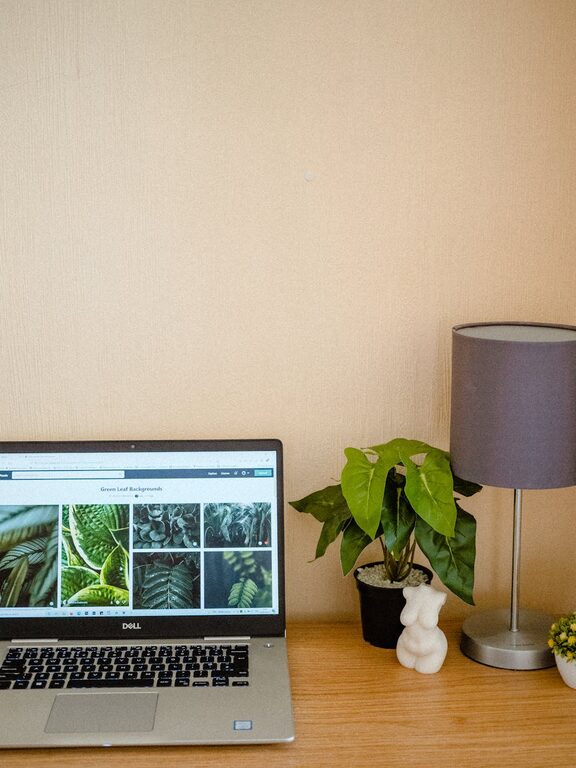
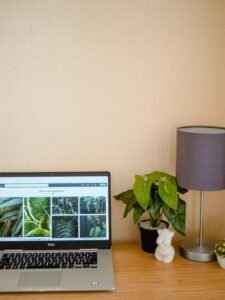
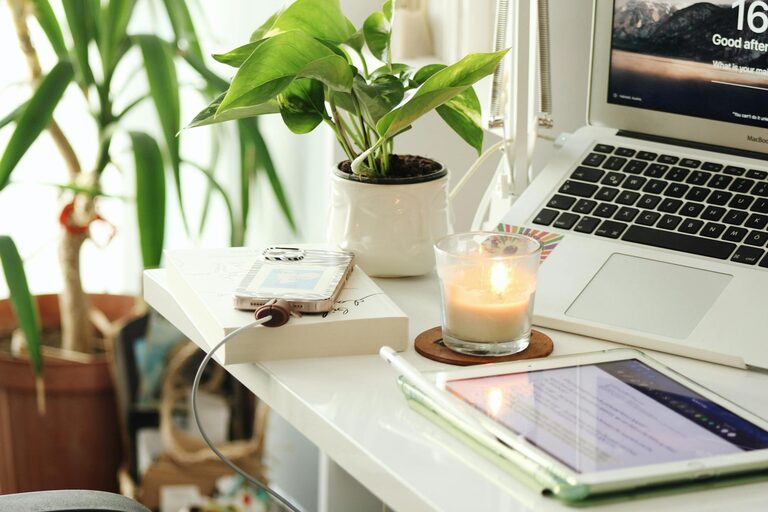
– Add plants: Greenery improves air quality and creates a peaceful atmosphere.
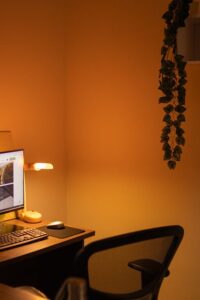
– Use soft lighting: Lamps or fairy lights with warm tones can reduce harsh fluorescent lighting.
– Incorporate soothing colors: Choose colors like light blues, greens, or earth tones to promote calmness.
– Display inspiring art: Simple, uplifting artwork or quotes can encourage positivity.
Minimize Distractions
A relaxing workspace should help you concentrate without interruptions.
– Silent notifications: Put your phone and computer on “Do Not Disturb” during focused work sessions.
– Noise control: Consider noise-canceling headphones or a white noise machine if your environment is noisy.
– Create a routine: Set specific work hours and communicate boundaries with family or housemates.
Prioritize Good Lighting
Proper lighting reduces eye fatigue and can improve alertness.
– Combine natural and artificial light: Use daylight when possible, supplemented by adjustable desk lamps.
– Avoid glare: Position your screen to avoid reflections and use blinds or curtains to control sunlight.
– Choose daylight bulbs: Bulbs that mimic natural light provide a more comfortable working environment than harsh fluorescent lights.
Take Breaks with Relaxation in Mind
A relaxing workspace is not just about the area itself but also how you use it.
– Stretch regularly: Incorporate short stretches or movement breaks to relieve tension.
– Create a mini relaxation spot: If possible, have a comfortable chair or cushion nearby for short mental breaks.
– Practice mindfulness: Momentary deep-breathing or simple meditation techniques can help reduce stress.
Keep Technology User-Friendly
The right tech setup can keep frustrations minimal and efficiency high.
– Use a quality monitor: A larger screen or dual monitors can reduce eye strain and improve multitasking.
– Keyboard and mouse: Choose ergonomic options that feel comfortable for long use.
– Reliable internet: Ensure your internet connection is stable to prevent interruptions.
Maintain Consistency and Flexibility
Finally, a relaxing workspace evolves with your needs.
– Regularly declutter: Spend a few minutes at the end of each day tidying your space.
– Adjust as needed: Change furniture arrangements or decorative elements if your routine or preferences change.
– Listen to your body: If you feel discomfort, consider trying new ergonomic solutions or lighting settings.
—
Creating a relaxing home workspace is a blend of thoughtful design, purposeful organization, and comfort. By investing time into optimizing your environment, you can enhance both your productivity and well-being. Try incorporating these tips one step at a time to build a workspace that works best for you.